

If you’ve ever published a blog post only to discover embarrassing spelling mistakes days later, you’re not alone. After more than eight years of creating SEO content for blogs, affiliate websites, and niche projects, I’ve learned one simple lesson: great SEO starts with clean, error-free writing. Even the best keyword research won’t save content that’s full of typos or grammar mistakes.
Today’s search engines—and AI-powered search tools like Google AI Overviews, ChatGPT, and Perplexity—evaluate content quality more intelligently than ever before. That means using reliable spell-check SEO tools isn’t just about looking professional. It’s about improving readability, building trust, and giving your content the best chance to rank.
In this guide, you’ll discover the best spell checkers, grammar tools, website typo finders, and AI writing assistants available in 2026. Whether you’re a blogger, business owner, WordPress publisher, or SEO professional, these tools can help you publish cleaner, stronger, and more search-friendly content.
Why Should You Care About Spelling Mistakes for SEO in 2026?
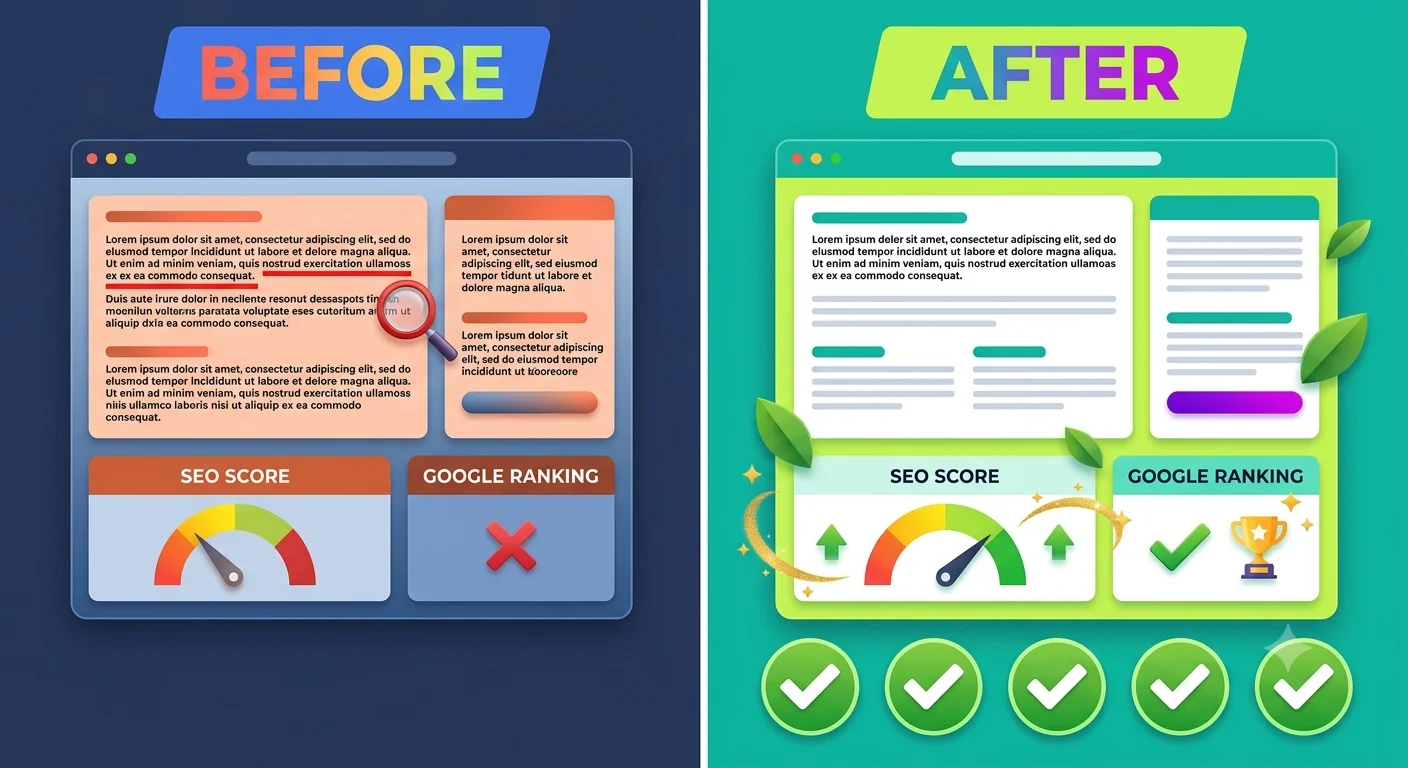
The short answer: Yes, spelling mistakes can affect SEO—but usually indirectly. They reduce trust, make your content harder to read, and can hurt the user experience, which, over time, affects search performance.
Google has repeatedly emphasized that its ranking systems prioritize helpful, people-first content. While a few typos won’t destroy your rankings, a website filled with spelling and grammar errors can create a poor impression for both users and search engines.
Common problems caused by spelling mistakes include:
- Lower user trust
- Higher bounce rates
- Poor readability
- Reduced engagement
- Fewer backlinks
- Lower conversion rates
- Reduced authority in competitive niches
Imagine reading a medical article with dozens of spelling errors. Would you trust the advice? Probably not.
The same principle applies to every niche, whether you’re writing about travel, technology, finance, education, or product reviews.

How Do Spell Mistake SEO Tools Actually Help?
These tools do much more than underline misspelled words. Modern AI-powered writing assistants analyze grammar, readability, punctuation, sentence flow, clarity, consistency, and even SEO optimization.
Today’s best tools can automatically detect:
- Spelling mistakes in content
- Grammar issues
- Awkward sentence structures
- Duplicate words
- Missing punctuation
- Passive voice
- Difficult-to-read paragraphs
- Broken capitalization
- Website content errors
- Formatting inconsistencies
Many premium platforms also integrate with WordPress, Google Docs, Microsoft Word, Chrome, and popular CMS platforms, making proofreading part of your normal publishing workflow.
What Features Should You Look for in the Best Spell Checker for SEO?
Not every spell checker is built for website owners. Basic spelling correction is useful, but bloggers and SEO professionals need tools that improve content quality while supporting search engine optimization.
Look for these features when choosing a website spell checker:
AI-powered spelling correction
Modern AI spell checkers understand context rather than simply comparing words to a dictionary.
Grammar checking
A strong grammar and spelling SEO tool should identify punctuation mistakes, sentence fragments, tense issues, and awkward phrasing.
SEO writing assistance
The best SEO writing tools also evaluate headings, readability, keyword placement, and overall content optimization.
Website scanning
Some platforms can crawl entire websites instead of checking one document at a time.
Browser extensions
Chrome and Edge extensions help catch mistakes while writing emails, blog posts, and social media updates.
WordPress compatibility
Bloggers benefit from tools that integrate directly into WordPress before publishing.
Team collaboration
Agencies and editorial teams often need shared style guides, approval workflows, and collaborative editing features.
Zuhio Keyword Count Checker: Free Word Counter Tool (2026)
Which Spell Mistake SEO Tools Are Worth Using in 2026?
The good news is that there are excellent options for every budget. Some focus on grammar, while others specialize in SEO content optimization or full website proofreading.
Here’s a quick comparison before we explore each tool in detail.
| Tool | Best For | Free Plan | AI Features | Website Scanning | SEO Features |
|---|---|---|---|---|---|
| Grammarly | Everyday proofreading | Yes | Excellent | Limited | Moderate |
| ProWritingAid | Long-form writing | Yes | Excellent | No | Moderate |
| LanguageTool | Multilingual websites | Yes | Very Good | Limited | Basic |
| Hemingway Editor | Readability improvement | Yes | Limited | No | Readability |
| Semrush Writing Assistant | SEO optimization | Limited | Excellent | Yes | Excellent |
| Ahrefs AI Content Helper | SEO content improvement | No | Excellent | Limited | Excellent |
| Surfer SEO | Content optimization | No | Excellent | Limited | Outstanding |
| Yoast SEO Premium | WordPress users | No | Moderate | Yes | Excellent |
| Writer.com | Businesses | Yes | Excellent | Yes | Moderate |
| QuillBot | Fast proofreading | Yes | Excellent | No | Basic |
Each of these tools solves a different problem, so choosing the right one depends on your workflow and publishing goals.
Is Grammarly Still the Best Spell Checker for SEO?
For most bloggers and website owners, Grammarly remains one of the safest choices. It’s easy to use, highly accurate, and works almost everywhere you write.
Grammarly has evolved far beyond a basic spelling checker. In 2026, its AI-powered writing assistant can improve grammar, clarity, tone, punctuation, sentence structure, and even suggest rewrites that sound more natural.
Best features
- AI spell checker
- Grammar correction software
- Browser extension
- Google Docs integration
- WordPress compatibility through the browser
- Tone detection
- Clarity suggestions
- Punctuation correction
Pros
✔ Extremely accurate
✔ Easy to use
✔ Free version available
✔ Excellent browser extension
✔ Ideal for bloggers
Cons
- Doesn’t perform a full website crawl
- SEO optimization is limited compared to dedicated SEO platforms
Best for
- Bloggers
- Affiliate marketers
- Freelance writers
- Students
- Small business owners
If your main goal is publishing polished articles without embarrassing mistakes, Grammarly remains one of the strongest choices available.
Should Bloggers Use ProWritingAid Instead?
If you publish long-form articles regularly, ProWritingAid deserves serious consideration. It offers deeper writing analysis than many competitors, making it especially useful for bloggers and authors.
Rather than simply correcting grammar, it explains why something should be changed. That educational approach helps writers improve over time instead of relying entirely on automated corrections.
It also provides detailed reports on:
- Readability
- Overused words
- Sentence variation
- Style consistency
- Dialogue
- Sticky sentences
- Repeated phrases
- Content flow
For publishers producing 2,000–5,000-word SEO articles, these insights can dramatically improve readability and user engagement.
Best features
- Advanced proofreading software
- Writing reports
- Grammar checker
- AI writing assistant
- Style suggestions
- Readability analysis
- Long-document support
Pros
- Excellent for long-form content
- Detailed explanations
- Strong editing reports
- Affordable premium plans
Cons
- The interface can feel overwhelming for beginners
- Less SEO-focused than dedicated optimization platforms
Is LanguageTool a Good Free Website Spell Checker?
Yes—especially if you publish content in multiple languages. LanguageTool has become one of the most popular free alternatives for bloggers who need accurate spelling and grammar correction without paying for expensive subscriptions.
Unlike many basic spell checkers, LanguageTool understands context across dozens of languages. It catches grammar mistakes, punctuation issues, style inconsistencies, and spelling errors while remaining lightweight and easy to use.
This makes it a practical choice for international websites, multilingual blogs, and businesses serving audiences across different regions.
Key highlights
- Supports 30+ languages
- Browser extensions
- Grammar correction
- Spelling checker for websites
- Context-aware suggestions
- Free version with generous limits
While it doesn’t replace a complete SEO content optimization platform, it does an excellent job of keeping your website content professional and error-free.
What Makes Surfer SEO One of the Best SEO Writing Tools in 2026?
If your goal is to publish content that ranks higher while staying free of spelling and readability issues, Surfer SEO is one of the strongest all-in-one solutions available. It combines SEO recommendations with AI-powered writing assistance to help you optimize articles before they go live.
Unlike a traditional website spelling checker, Surfer SEO focuses on the overall quality of your content. It compares your article to top-ranking pages and highlights areas for improvement, including headings, keyword usage, content structure, readability, and word count.
While it isn’t a dedicated grammar checker like Grammarly, many writers pair the two tools together for the best results.
Key Features
- AI-powered Content Editor
- SEO content optimization tools
- Keyword optimization suggestions
- Readability analysis
- NLP keyword recommendations
- Team collaboration
- Content Score
- WordPress integration
Pros
✔ Excellent for ranking blog posts
✔ Real-time SEO recommendations
✔ Easy integration with WordPress
✔ Great for agencies and content teams
Cons
- Premium pricing
- Grammar suggestions are limited compared to dedicated proofreading tools
Best For
- SEO agencies
- Affiliate marketers
- Professional bloggers
- Niche website owners
Is Semrush SEO Writing Assistant Worth Using?
Yes—especially if you already use Semrush for keyword research or technical SEO. The SEO Writing Assistant helps improve your content before publishing by combining grammar checking with SEO recommendations.
It evaluates several important ranking factors at once:
- Readability
- Tone of voice
- Originality
- Keyword optimization
- Grammar
- Spelling mistakes
- Overall content quality
One feature many bloggers appreciate is the real-time writing score. As you edit your article, the score updates instantly, making it easier to know when your content is ready to publish.
Best Features
- SEO spelling checker
- Content readability analysis
- Grammar checker
- Keyword optimization
- Internal SEO recommendations
- Google Docs integration
- WordPress compatibility
Pros
✔ Excellent SEO insights
✔ Easy-to-understand recommendations
✔ Works well for long-form content
✔ Supports team workflows
Cons
- Requires a Semrush subscription
- Better suited to professionals than beginners
Can Ahrefs AI Content Helper Improve Website Content?
Absolutely. Ahrefs has expanded beyond backlinks and keyword research by introducing AI-powered content optimization features that help writers produce higher-quality articles.
The AI Content Helper analyzes competing pages and recommends improvements based on what currently ranks in search results.
Instead of simply correcting spelling mistakes, it helps answer questions like:
- Have you covered the topic completely?
- Are important keywords missing?
- Does your article answer user intent?
- Is your content easy to read?
When combined with a dedicated AI spell checker, Ahrefs becomes part of a powerful SEO workflow.

Highlights
- AI writing suggestions
- Topic coverage analysis
- Keyword recommendations
- Content gap detection
- Search intent optimization
- Website content checker
Best For
- Experienced SEO professionals
- Agencies
- Affiliate websites
- Large content publishers
Should WordPress Users Upgrade to Yoast SEO Premium?
If you publish directly in WordPress, Yoast SEO Premium is still one of the easiest ways to improve content quality before hitting Publish.
Most bloggers know Yoast for its traffic-light SEO scores, but Premium also includes additional content analysis to improve readability and structure.
It checks:
- Sentence length
- Passive voice
- Transition words
- Paragraph length
- Internal linking opportunities
- Keyword optimization
Although it isn’t a complete grammar checker, pairing Yoast Premium with Grammarly creates an efficient publishing workflow.
Advantages
- Perfect for WordPress
- Beginner friendly
- Excellent readability suggestions
- SEO writing assistant
- Internal linking recommendations
Drawbacks
- Doesn’t replace dedicated proofreading software
- Limited AI features compared with newer competitors
Is Hemingway Editor Still Useful for Bloggers?
Yes, especially if your biggest challenge is readability rather than spelling.
Many blog posts don’t fail because of grammar—they fail because they’re difficult to read.
Hemingway Editor highlights:
- Long sentences
- Passive voice
- Complex words
- Difficult paragraphs
- Overused adverbs
The goal is simple:
Make your writing easier for real people.
This matters because readable content tends to perform better across search engines, AI summaries, and voice search results.
Best Features
- Readability score
- Passive voice detection
- Sentence simplification
- Clean interface
- Fast editing
Pros
✔ Very easy to use
✔ Great for beginners
✔ Improves readability quickly
Cons
- Limited grammar correction
- Doesn’t check SEO directly
Is QuillBot More Than Just a Paraphrasing Tool?
Definitely. While QuillBot became popular for rewriting text, it now includes useful proofreading features that bloggers can use before publishing.
Its Grammar Checker can identify:
- Misspelled words
- Incorrect punctuation
- Grammar mistakes
- Typographical errors
- Writing inconsistencies
For bloggers who already use QuillBot for rewriting drafts, the built-in proofreading features make it even more valuable.
Best For
- Students
- Freelancers
- Bloggers
- Content creators
Pros
✔ Affordable
✔ AI-powered proofreading
✔ Easy interface
✔ Fast corrections
Cons
- SEO features are limited
- Better paired with dedicated SEO software
Can Writer.com Help Large Teams Maintain Content Quality?
Yes. Writer.com is designed primarily for businesses that publish content at scale.
Instead of focusing only on grammar, it ensures consistency across entire organizations.
Features include:
- Brand voice enforcement
- Grammar correction
- AI writing assistant
- Content quality improvement
- Team collaboration
- Style guide management
- Website proofreading
This makes it particularly useful for:
- SaaS companies
- Enterprise businesses
- Marketing agencies
- Editorial teams
Which Free Spell Mistake SEO Tools Offer the Best Value?
Not everyone needs an expensive subscription. Several free tools provide impressive spelling and grammar checking for bloggers and small website owners.
Here’s a quick comparison.
| Tool | Free Version | Grammar | Spelling | SEO Support | Best For |
|---|---|---|---|---|---|
| Grammarly | ✅ | Excellent | Excellent | Moderate | Bloggers |
| LanguageTool | ✅ | Very Good | Excellent | Basic | Multilingual websites |
| Hemingway | ✅ | Limited | Limited | Readability | Beginners |
| QuillBot | ✅ | Good | Good | Basic | Students |
| Google Docs | ✅ | Good | Good | None | Casual writing |
| Microsoft Editor | ✅ | Very Good | Excellent | Basic | Office users |
For many bloggers, combining two free tools can deliver results comparable to premium software.
How Can AI Spell Checkers Improve SEO Content?
AI-powered proofreading goes beyond finding typos. Modern AI understands context, intent, and sentence meaning, allowing it to recommend smarter improvements.
Instead of changing individual words, AI can:
- Rewrite awkward sentences
- Improve readability
- Correct grammar naturally
- Detect repetitive phrases
- Suggest stronger vocabulary
- Improve clarity
- Enhance tone
- Reduce unnecessary complexity
This creates articles that are easier for readers—and search engines—to understand.
Which Spell Mistake SEO Tool Is Best for Different Users?
There’s no single “best” option for everyone. The right choice depends on your workflow, budget, and publishing goals.
| User Type | Recommended Tool |
|---|---|
| Beginner Blogger | Grammarly |
| WordPress User | Yoast SEO Premium + Grammarly |
| SEO Professional | Surfer SEO |
| Agency | Semrush Writing Assistant |
| Enterprise Team | Writer.com |
| Student | QuillBot |
| Multilingual Website | LanguageTool |
| Long-Form Writer | ProWritingAid |
| Affiliate Marketer | Surfer SEO |
| Content Editor | Grammarly + Hemingway |
Many experienced publishers actually combine multiple tools rather than relying on just one.
For example:
- Write the draft.
- Run Grammarly.
- Improve readability with Hemingway.
- Optimize keywords using Surfer SEO.
- Check SEO in Yoast before publishing.
This workflow dramatically reduces website content errors while improving overall content quality.
What Workflow Helps Fix Spelling Mistakes Before Publishing?
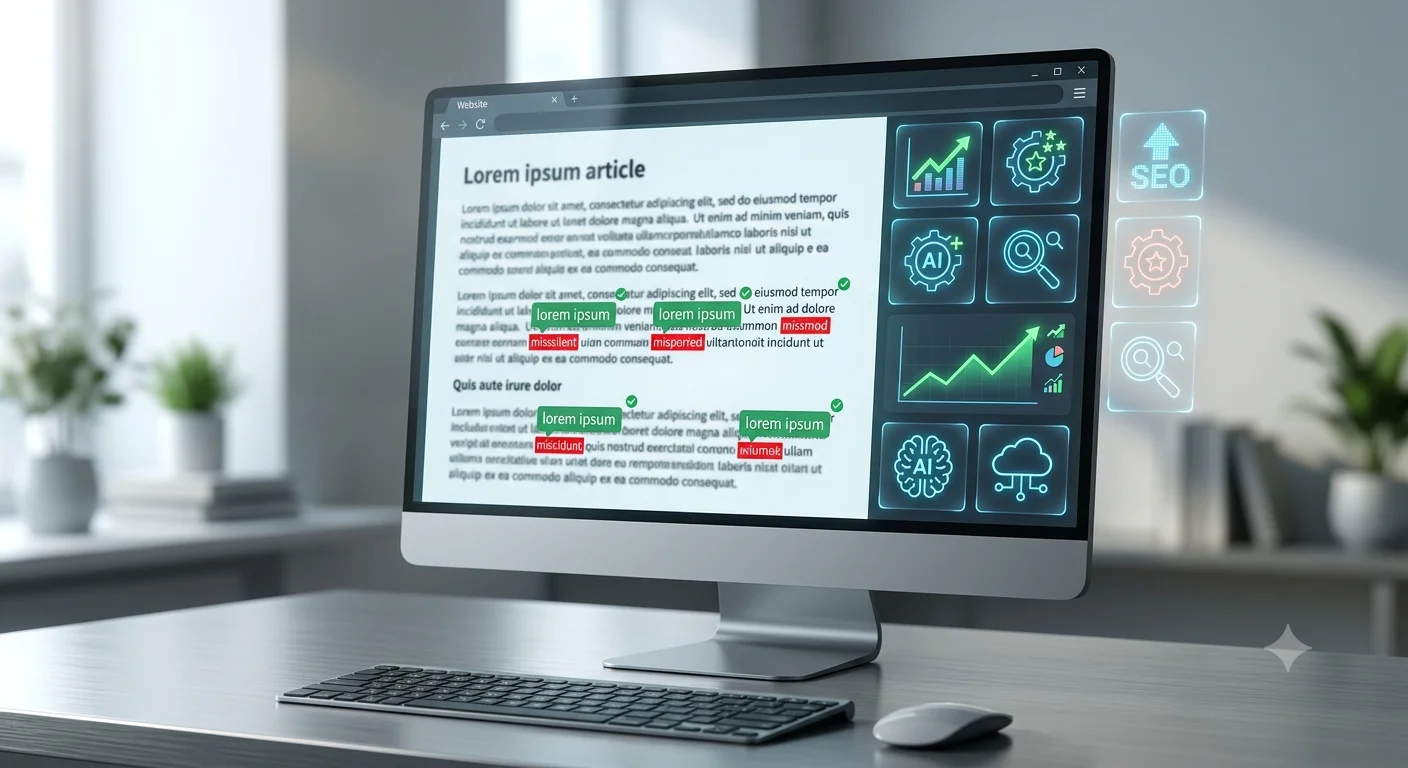
The best websites don’t rely on a single spell checker—they follow a consistent proofreading process. Creating a simple workflow helps catch everything from basic typos to SEO issues before your content goes live.
Here’s a proven publishing checklist used by many professional bloggers and content teams:
Step 1: Finish Writing First
Avoid editing every sentence while you’re still drafting. Focus on getting your ideas onto the page first.
Step 2: Run an AI Spell Checker
Use a tool like Grammarly or LanguageTool to correct obvious spelling mistakes, grammar issues, and punctuation errors.
Step 3: Improve Readability
Review your article with Hemingway Editor or ProWritingAid to shorten long sentences, remove passive voice, and improve clarity.
Step 4: Optimize for SEO
Use Surfer SEO, Semrush SEO Writing Assistant, or Ahrefs AI Content Helper to check keyword placement, heading structure, search intent, and content coverage.
Step 5: Review Inside WordPress
Before clicking Publish, use Yoast SEO Premium (or your preferred SEO plugin) to review readability, internal links, metadata, and focus keyword optimization.
Step 6: Perform a Final Manual Read
No AI tool is perfect. Reading your article aloud—or having another person review it—can catch awkward phrasing and small mistakes that automated tools sometimes miss.
Following this process consistently can improve content quality, strengthen user trust, and reduce the risk of publishing spelling or formatting errors.
How Can You Choose the Best Spell Mistake SEO Tool for Your Website?
The right tool depends on your workflow, budget, and publishing goals. A beginner blogger doesn’t need the same features as an SEO agency managing hundreds of pages every month.
Before subscribing to any software, ask yourself these questions:
- Do I only need a spelling checker or full SEO content optimization?
- Do I write inside WordPress, Google Docs, or Microsoft Word?
- Do I need team collaboration features?
- Is AI writing assistance important?
- Will I publish in multiple languages?
- Do I need to scan an entire website or just individual articles?
If your answer is “I mainly publish blog posts,” a combination of Grammarly and Yoast SEO Premium may be enough. If you’re competing in highly competitive niches, pairing Grammarly with Surfer SEO or Semrush SEO Writing Assistant offers much deeper optimization.
What Common Proofreading Mistakes Can Hurt Your SEO?
Even experienced writers make small editing mistakes that reduce content quality. Fortunately, most of them are easy to avoid with the right workflow.
Here are some of the most common issues:
Publishing Without a Final Review
Rushing to publish often leaves behind spelling mistakes, missing words, and formatting issues that readers notice immediately.
Trusting AI Without Human Editing
AI writing assistants are helpful, but they sometimes misunderstand context or suggest unnatural wording. Always review suggestions before accepting them.
Ignoring Readability
Long paragraphs, complex sentences, and unnecessary jargon make content harder to understand. Search engines increasingly reward pages that are easy for people to read.
Keyword Stuffing
Adding your focus keyword repeatedly doesn’t improve rankings. Instead, use natural language and include related terms where they fit organically.
Forgetting Mobile Readers
Large blocks of text are difficult to read on smartphones. Keep paragraphs short, use headings frequently, and include bullet points where appropriate.
Overlooking Website-Wide Errors
Many website owners only proofread new articles. Older posts may still contain outdated information, broken formatting, or spelling mistakes that deserve attention during regular content audits.
How Can You Improve Website Content Quality Beyond Spelling?
Perfect spelling is only one part of high-quality SEO content. Readers—and search engines—also value clarity, usefulness, and organization.
Here are practical ways to improve every article you publish:
- Write for people before search engines.
- Use clear H2 and H3 headings that answer real questions.
- Break long paragraphs into shorter sections.
- Add relevant examples where possible.
- Include comparison tables for quick reference.
- Use numbered steps for tutorials.
- Link to helpful internal resources.
- Refresh older articles regularly.
- Replace outdated screenshots and statistics.
- Check readability before publishing.
Small improvements like these often have a greater impact than simply fixing a few typos.
Are Free Spell Mistake SEO Tools Enough, or Should You Pay?
Free tools are excellent for many bloggers, but premium tools usually save time and provide deeper insights.
Here’s a quick comparison:
| Feature | Free Tools | Paid Tools |
|---|---|---|
| Basic spelling correction | ✅ | ✅ |
| Grammar checking | ✅ | ✅ Advanced |
| AI writing suggestions | Limited | ✅ |
| SEO optimization | Limited | ✅ |
| Readability reports | Basic | Advanced |
| Website scanning | Rare | ✅ |
| Team collaboration | ❌ | ✅ |
| Content scoring | ❌ | ✅ |
| Brand voice management | ❌ | ✅ |
| Priority support | ❌ | ✅ |
If you’re starting a blog, free tools like Grammarly, LanguageTool, or Google Docs can cover the basics. As your website grows, investing in a premium SEO writing platform can improve efficiency and content quality.
Which Combination of Tools Works Best?
Rather than relying on one application, many experienced publishers combine several tools throughout the writing process.
Here are some effective combinations:
For Beginner Bloggers
- Grammarly
- Yoast SEO
- Google Docs
For Affiliate Marketers
- Grammarly
- Surfer SEO
- Ahrefs
For WordPress Websites
- Grammarly
- Yoast SEO Premium
- Hemingway Editor
For Agencies
- Semrush SEO Writing Assistant
- Grammarly Business
- Writer.com
For Budget-Conscious Users
- LanguageTool
- Hemingway Editor
- Google Docs
Using the right combination helps catch spelling mistakes, improve readability, and strengthen SEO without complicating the workflow.
Frequently Asked Questions
What is the best spell mistake SEO tool for bloggers?
Grammarly remains one of the best choices for bloggers because it combines spelling correction, grammar checking, clarity suggestions, and AI-powered writing assistance. Pairing it with an SEO platform like Surfer SEO or Yoast SEO creates a more complete publishing workflow.
Are free spell mistake SEO tools accurate enough?
Yes, many free tools are highly accurate for everyday writing. Grammarly Free, LanguageTool, and Google Docs can detect most spelling and grammar mistakes. However, premium versions usually provide deeper writing insights and SEO-focused recommendations.
Can spelling mistakes directly affect Google rankings?
A few minor typos are unlikely to cause significant ranking drops. However, frequent spelling and grammar errors can reduce credibility, hurt user experience, increase bounce rates, and indirectly affect SEO performance.
Which website spelling checker works best with WordPress?
Many WordPress users combine Grammarly with Yoast SEO Premium. Grammarly catches writing errors, while Yoast helps optimize readability, internal linking, and keyword usage before publishing.
Should I proofread old blog posts?
Absolutely. Updating older articles helps fix spelling mistakes, refresh outdated information, improve readability, and strengthen overall content quality. Regular content audits can also uncover broken links and formatting issues.
Can AI replace manual proofreading?
No. AI proofreading tools are excellent assistants, but they aren’t perfect. A final human review helps catch context-specific issues, awkward wording, and factual inaccuracies that automated systems may miss.
How often should I check my website for content errors?
For active blogs, reviewing content every 3 to 6 months is a good practice. Large websites may benefit from quarterly content audits to identify spelling mistakes, outdated information, and technical issues.
What’s the difference between a spell checker and an SEO writing tool?
A spell checker focuses on correcting spelling, grammar, and punctuation. An SEO writing tool goes further by analyzing keyword usage, readability, content structure, search intent, and overall optimization to improve search visibility.
Final Verdict: Which Spell Mistake SEO Tool Should You Choose in 2026?
The best spell mistake SEO tools do far more than correct typos—they help you create content that readers trust and search engines understand. In 2026, high-quality writing is a competitive advantage, especially as AI-powered search experiences continue to prioritize helpful, accurate, and well-structured content.
If you’re looking for a simple recommendation:
- Best overall spelling and grammar tool: Grammarly
- Best for long-form writers: ProWritingAid
- Best multilingual option: LanguageTool
- Best readability tool: Hemingway Editor
- Best SEO optimization platform: Surfer SEO
- Best all-in-one SEO writing assistant: Semrush SEO Writing Assistant
- Best WordPress solution: Yoast SEO Premium
- Best enterprise platform: Writer.com
Remember that no single tool does everything perfectly. The most effective workflow combines proofreading, readability analysis, and SEO optimization before publishing.
Investing a few extra minutes to check spelling, grammar, and content quality can improve reader trust, reduce website errors, and increase your chances of ranking well in both traditional search results and AI-generated answers.
If you’re serious about growing your blog or business website in 2026, make proofreading a standard part of every publishing workflow. Clean, polished, and helpful content is one of the easiest ways to stand out in an increasingly competitive search landscape.
“Finding the right SEO partner”
“AI-powered SEO analytics tools”