
Most people don’t land on a cloud computing guide because they’re curious about definitions. They land here because they’re stuck on a decision: which service model to pick, whether to migrate now or wait, how much security is actually “enough,” or which provider fits a specific budget. This droven.io cloud computing guide is built around that reality. Instead of walking through cloud computing as a list of facts, it gives you a six-point framework you can actually apply — to Droven.io’s own explainer content, to AWS/Azure/GCP marketing pages, or to any cloud decision sitting on your desk right now.
Why a Framework Instead of a Glossary
Cloud computing has enough moving parts that reading definitions in order rarely helps anyone decide anything. Knowing what “serverless” means doesn’t tell you if serverless is right for your workload. Knowing IaaS vs PaaS vs SaaS doesn’t tell you which one avoids a six-month migration disaster.
So here’s the approach: six criteria, applied consistently, that turn “what is cloud computing” into “what should I actually do.”
The 6-Point Cloud Decision Framework
1. Workload Fit
Before anything else, ask what you’re actually running: a stateless web app, a batch data job, a database with strict latency needs, or an AI training pipeline. Each points to a different service model.
- Steady, predictable workloads → Infrastructure as a Service (IaaS) usually wins on cost control, since you’re managing fixed capacity you already understand.
- Apps you want to ship fast without managing servers → Platform as a Service (PaaS) removes the operational overhead.
- Off-the-shelf business functions (email, CRM, storage sync) → Software as a Service (SaaS) is almost always cheaper than building it yourself.
If a guide — Droven.io’s or anyone else’s — jumps straight to “the cloud” as a single monolithic thing without asking what you’re running, that’s a sign it’s written for search engines, not for your decision.
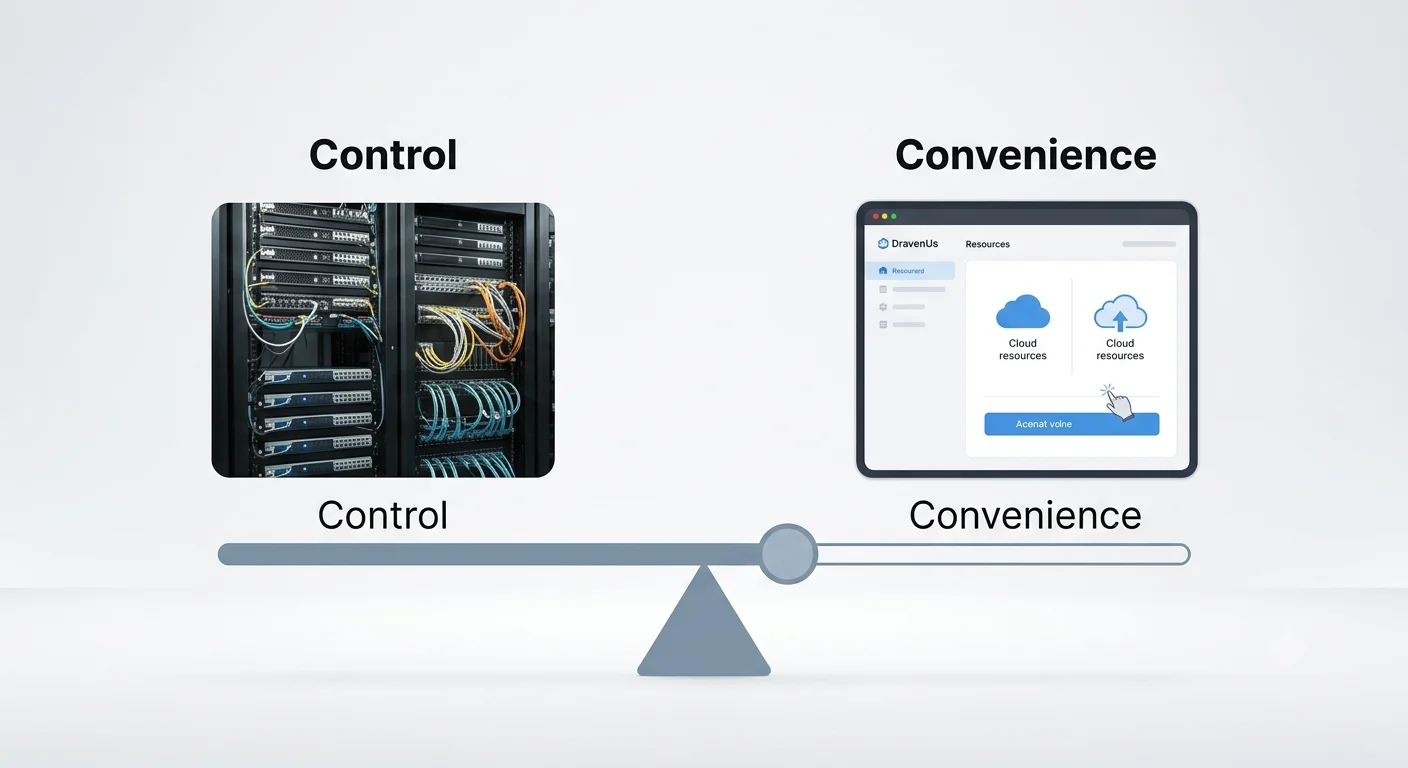
2. Control vs. Convenience Trade-off
This is the axis that decides public vs. private vs. hybrid cloud, and most explainers skip it.
| Public cloud | Provider manages hardware, you manage software/data | Startups, variable traffic, fast iteration |
| Private cloud | You manage most of the stack, on dedicated infrastructure | Regulated industries, predictable heavy load |
| Hybrid cloud | Split — sensitive workloads private, elastic workloads public | Enterprises with compliance + scale needs |
| Multi-cloud | Multiple public providers for redundancy or best-of-breed services | Risk-averse teams avoiding vendor lock-in |
The honest answer for most small and mid-size teams in 2026 is hybrid-by-accident: they start public, then quietly end up hybrid once compliance or cost forces a rethink. Planning for that upfront saves a painful re-architecture later.
3. Security as a Line Item, Not an Afterthought
Security isn’t a checkbox at the end of a cloud project — it changes which architecture makes sense from day one. Three things to lock down before you touch a migration timeline:
- Identity and Access Management (IAM): least-privilege access, not “everyone gets admin because it’s faster.”
- Encryption at rest and in transit: non-negotiable for anything touching customer data, and often a compliance requirement, not a preference.
- Backup and disaster recovery: if you can’t state your recovery time objective (RTO) and recovery point objective (RPO) in a sentence, you don’t have a real disaster recovery plan yet — you have a hope.
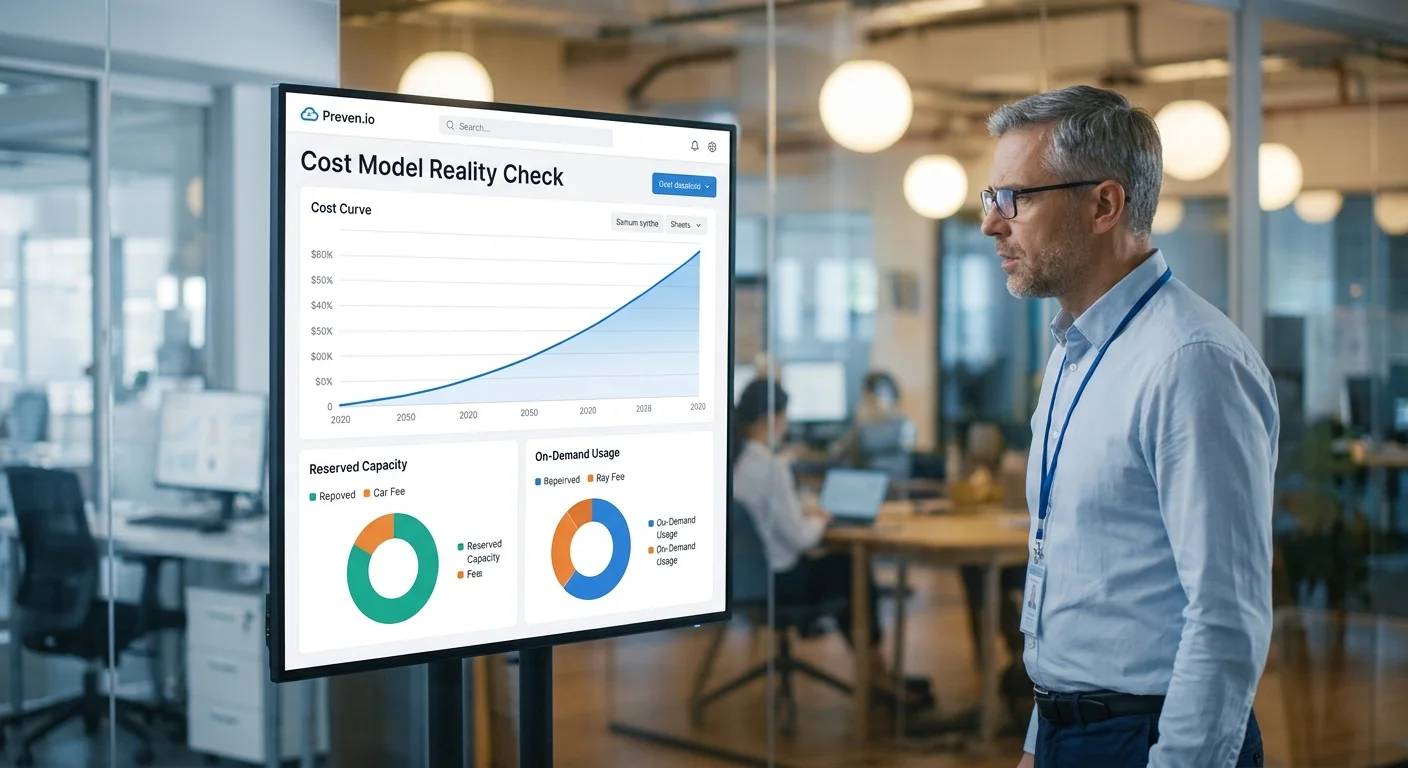
4. Cost Model Reality Check
Cloud pricing is usage-based, which sounds simple until a team gets its first surprise bill. The framework question here isn’t “what’s the sticker price” — it’s “what’s my cost curve as I scale?”

- IaaS costs scale with compute/storage you provision, whether or not it’s fully used.
- PaaS often bundles compute + management overhead into a slightly higher per-unit cost, but saves engineering hours.
- Serverless computing bills per execution, which is cheap at low volume and can get expensive fast at high, constant volume — the opposite of what people expect.
Cloud cost optimization isn’t a one-time audit; it’s a recurring review, ideally monthly, of what’s provisioned versus what’s used.
5. Migration Reality, Not Migration Theory
Cloud migration guides love clean four-step diagrams. Real migrations rarely go that cleanly. A more honest planning sequence:
- Inventory what you actually run today, including the undocumented internal tool nobody remembers building.
- Classify by sensitivity and complexity — migrate the boring, low-risk stuff first to build institutional confidence.
- Pilot one non-critical workload fully, end to end, before committing the rest.
- Expect a 20–30% timeline buffer. Almost every real migration hits a dependency nobody mapped in step one.
Common failure points worth planning around: underestimated data transfer time, legacy systems with no clean API, and teams treating migration as a one-time project instead of an ongoing operational shift.
6. Where AI Actually Changes the Calculus
AI-powered cloud computing isn’t a separate category anymore — it’s a workload type with its own demands: GPU/TPU access, high-throughput storage, and elastic scaling for training versus inference. If AI workloads are on your roadmap, factor that into provider choice now rather than bolting it on later, since GPU availability and pricing vary sharply between AWS, Azure, and Google Cloud.
Applying the Framework: AWS vs. Azure vs. Google Cloud

| Broadest service catalog | Strongest | Strong | Growing fast |
| Enterprise/Microsoft ecosystem fit | Good | Strongest | Good |
| AI/ML tooling | Strong | Strong | Often cited as most developer-friendly |
| Pricing complexity | High | High | Moderate |
| Best for | Teams wanting maximum flexibility | Existing Microsoft-stack businesses | Data/AI-first teams |
None of these is a universal “winner” — the framework above should decide which column matters most for your workload, not brand familiarity.
Common Mistakes Teams Still Make in 2026
- Treating security as a launch-day task instead of an architectural decision made early.
- Ignoring cost monitoring tools until the first bill shock, instead of setting budget alerts from day one.
- Skipping the pilot migration and moving everything at once — the single biggest predictor of a rough migration.
- Choosing a provider based on a single feature instead of the full six-point picture above.
FAQs
No. Droven.io functions as an educational resource on cloud computing, AI, and DevOps topics — it doesn’t host infrastructure or sell compute/storage itself. If you’re comparing it to AWS, Azure, or Google Cloud expecting a hosting service, that’s a mismatch; it’s better compared to other cloud-learning content.
IaaS gives you raw infrastructure (servers, storage, networking) that you configure yourself. PaaS adds a managed platform on top so you can deploy code without managing servers. SaaS is a finished application you use directly, with no infrastructure or platform management at all.
Most small businesses should start with public cloud for cost and speed, and only move to hybrid once a specific driver — compliance, predictable heavy load, or data residency rules — makes it necessary. Starting hybrid without that driver usually adds cost and complexity for no real benefit.
It depends heavily on system complexity, but plan for a 20–30% buffer beyond your initial estimate. Migrations that pilot one low-risk workload first tend to finish closer to schedule than “big bang” migrations that move everything at once.
Not always. It’s usually cheaper at low, variable usage volumes, but at high, constant volume, per-execution billing can end up costing more than a reserved IaaS or PaaS setup. Check your usage pattern before assuming serverless is the cheaper option.
Treating security as a step added near launch instead of a decision baked into the architecture from the start — particularly around identity and access management (IAM) and backup/disaster recovery planning.
There’s no universal winner. AWS tends to offer the broadest service catalog, Azure fits best for existing Microsoft-stack businesses, and Google Cloud is often favored for data/AI-heavy workloads. The right choice depends on your workload fit and ecosystem, not brand reputation.
Final Verdict
There’s no shortage of cloud computing guides — including several already covering “Droven.io Cloud Computing Guide” as a topic — that walk through definitions in a fixed order. What actually helps is a framework you can re-use every time a new cloud decision comes up: workload fit, control trade-offs, security-first thinking, real cost curves, honest migration planning, and where AI changes the math. Apply those six checks consistently, and the “public vs. private,” “AWS vs. Azure,” and “migrate now vs. later” questions mostly answer themselves.
Is Droven.io AI Automation Tools Worth It? (2026 Review)
Droven IO AWS vs Azure Comparison: Which Wins? (2026 Decision Checklist)